Business International
Its industrial technology page presents weighing products, a product finder and a quote route.
Blueprint decision: Put model choice and the request for help close together.
 Start a conversation
A Website Blueprint turns what your business needs into a plan you can review before investing in design or development. Use this guide to discuss pages, content and enquiry paths with the people who own them.
https://maroondm.com/guides/website-blueprint/
Opens your browser’s print dialog. Choose “Save as PDF” to create a copy you can share.
List the decisions visitors need to make. Give each important decision a useful page, and then decide how people will find it.
A buyer who knows the model can search immediately. Someone still deciding can start with the product family. Both paths lead to information that helps them make an enquiry.
For each main service, note who it is for, what is included and what the visitor should do next. Before writing, ask the team for the three questions they answer most. Use a genuine photo, an approved testimonial or a named project that helps answer those questions, not whichever asset happens to be available.
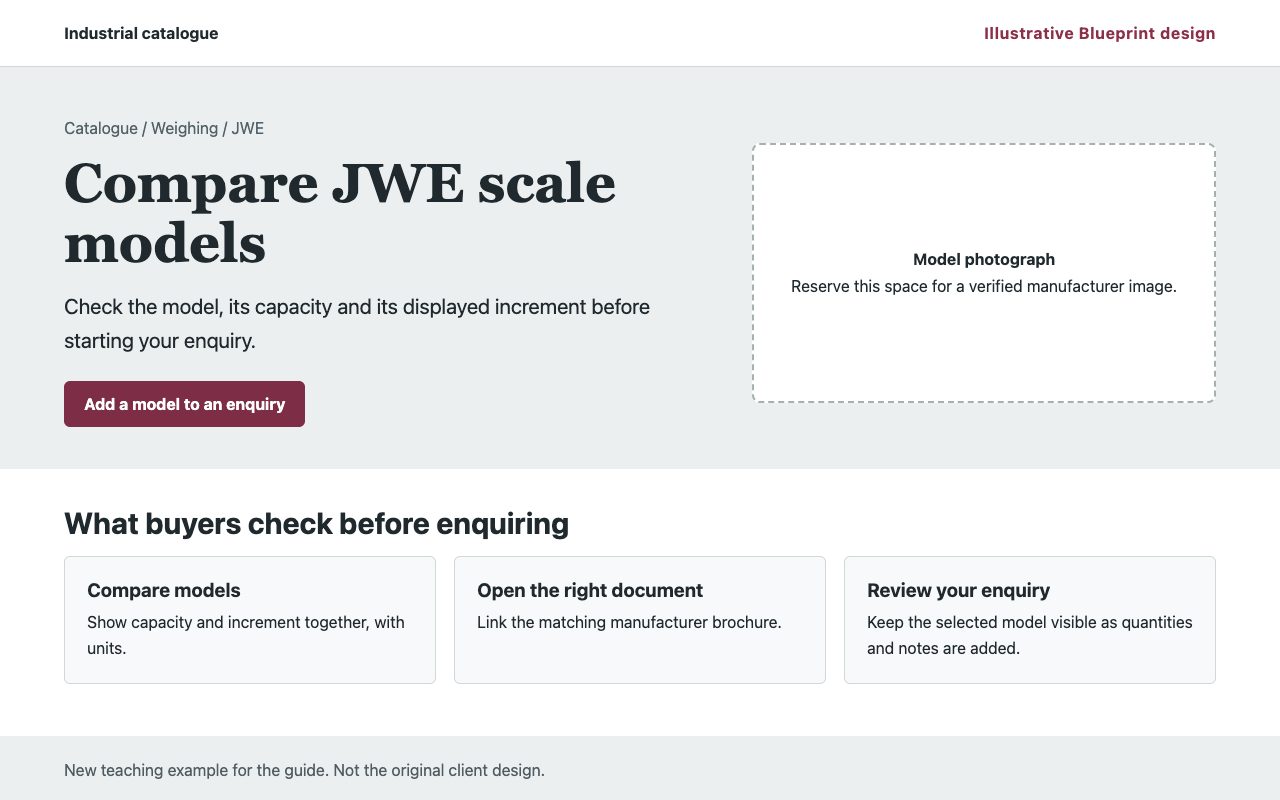
A product list is not the same as a product finder. Decide what information is published and reliable enough to filter by. Start with a few useful choices such as category, brand or model. On the detail page, show the matching document, not a generic brochure. If stock or prices are unknown, leave them out and give the buyer an enquiry path.
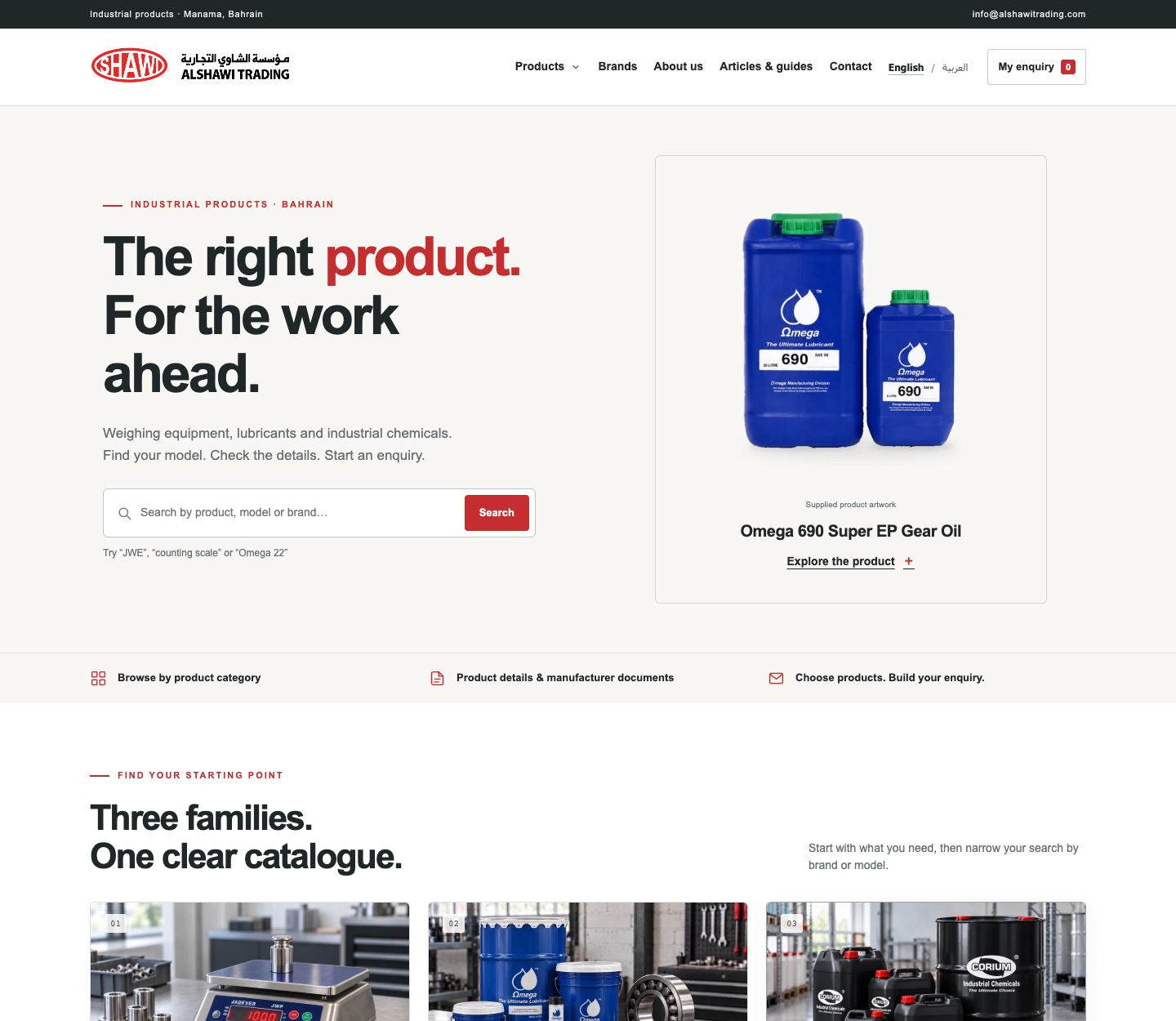
Walk through one realistic task on a phone in each site language. Reach the right page, choose an item, enter only the information needed for a reply, and confirm the request arrives in the right inbox or is received on the selected channel. Explain what happens next on the page.
A click on a call or WhatsApp button is an intent signal, not a confirmed enquiry. Track successful submissions separately and check with the team which enquiries are relevant.
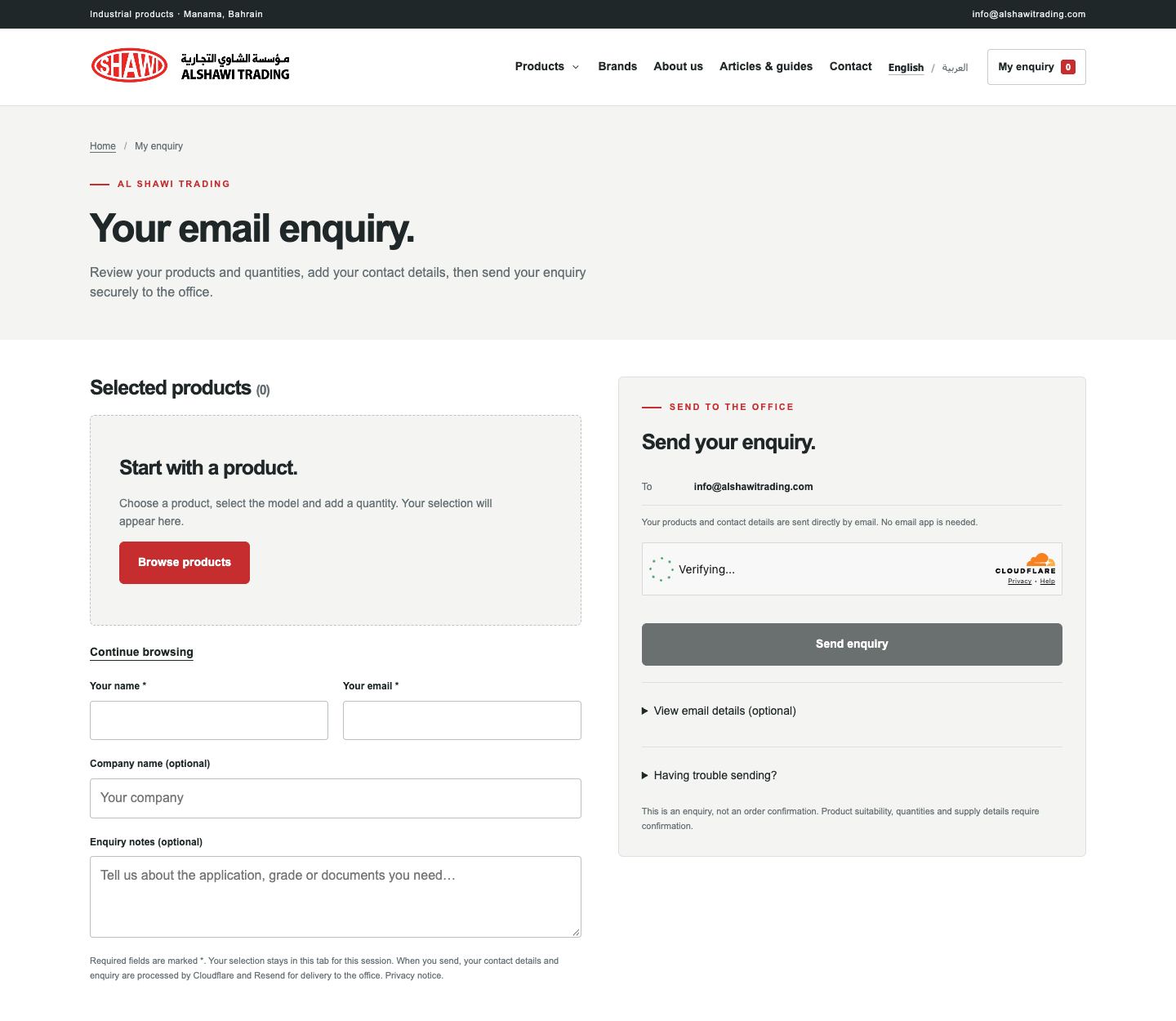
A silent browser recording of the published Al Shawi website, not an original design-session video.
Each observation comes from a supplier’s public website. The question is what to learn from the pattern, not which site is better.
Its industrial technology page presents weighing products, a product finder and a quote route.
Blueprint decision: Put model choice and the request for help close together.
Its site groups electrical solutions by application and links to a quote request.
Blueprint decision: Let buyers start with the job if they do not know the product number.
You receive a prioritised plan and a sitemap, plus guidance on what key pages should say, how visitors should move between them and what to test. Depending on the project, we can include a sample page outline, a draft filter structure or a diagram of the enquiry flow. These help you discuss scope before committing to implementation.
The Blueprint is planning only. Website development and hosting are not included. The planning fee is BHD 150–400, depending on project complexity.
Explore the Website Blueprint offer