 Ammar Ali

Start with the business a customer sees
Open your Google Business Profile as a customer would. Is that still your telephone number? Are the opening hours right? Do the photos show your current premises, team or work? If someone follows the map pin, will they arrive at the right entrance?
These details can seem small when you already know the business. To someone choosing you for the first time, they matter. An old address or an unanswered question can be enough to make them look elsewhere.
Bahrain example: make every branch easy to identify
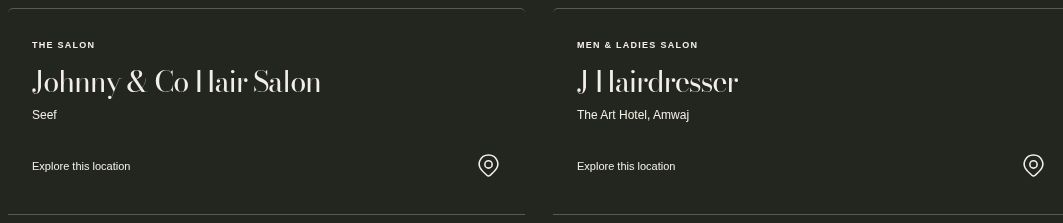
Johnny & Co presents separate branch options so a visitor can choose the right salon before calling or asking for directions. That is an example of clear website information, not evidence of its Google Maps ranking.
First, find out which problem you have
Search Google Maps for your exact business name and area, then for a service a customer would type without knowing your name. For example, a clinic in Riffa might try its actual name plus “Riffa,” then “physiotherapy in Riffa” and “علاج طبيعي الرفاع”. Write down where you searched from. This is a quick diagnostic, not a ranking report for all of Bahrain.
- You can’t find the profile by name. Sign in with the Google account that manages it. Check whether the existing profile still needs verification, whether edits are pending review, or whether Google has restricted it or marked it as a duplicate. If you find an old listing for the same business, resolve its ownership rather than opening a second profile. Google’s guide to duplicate profiles and ownership
- You can find it by name but not by service. The profile is visible. Check that its primary category describes the business as it operates today, and that its services and linked web page explain what people can actually book or buy. Compare a few relevant searches at different times from the areas you genuinely serve, rather than drawing conclusions from one search at your desk.
- You can find the profile but not the new website page. That is a separate question. Check the web address with URL Inspection in Search Console. A Google Maps listing does not mean the linked web page is indexed, and a page appearing in Search does not fix a restricted profile. Google’s guide to URL Inspection
There isn’t one position that everyone sees
Google says local results depend mainly on relevance, distance and prominence: how well a business matches the search, how close it is and how well known it is. That helps explain why your results in Manama may differ from a customer’s results in Riffa.
You can improve the information you provide. You cannot choose how far away the person searching is, or buy a better organic position in Maps. Be cautious of anyone promising a particular ranking for every search.
Google’s explanation of local ranking is a useful starting point if you want to understand those limits.
Make the profile match how you serve customers
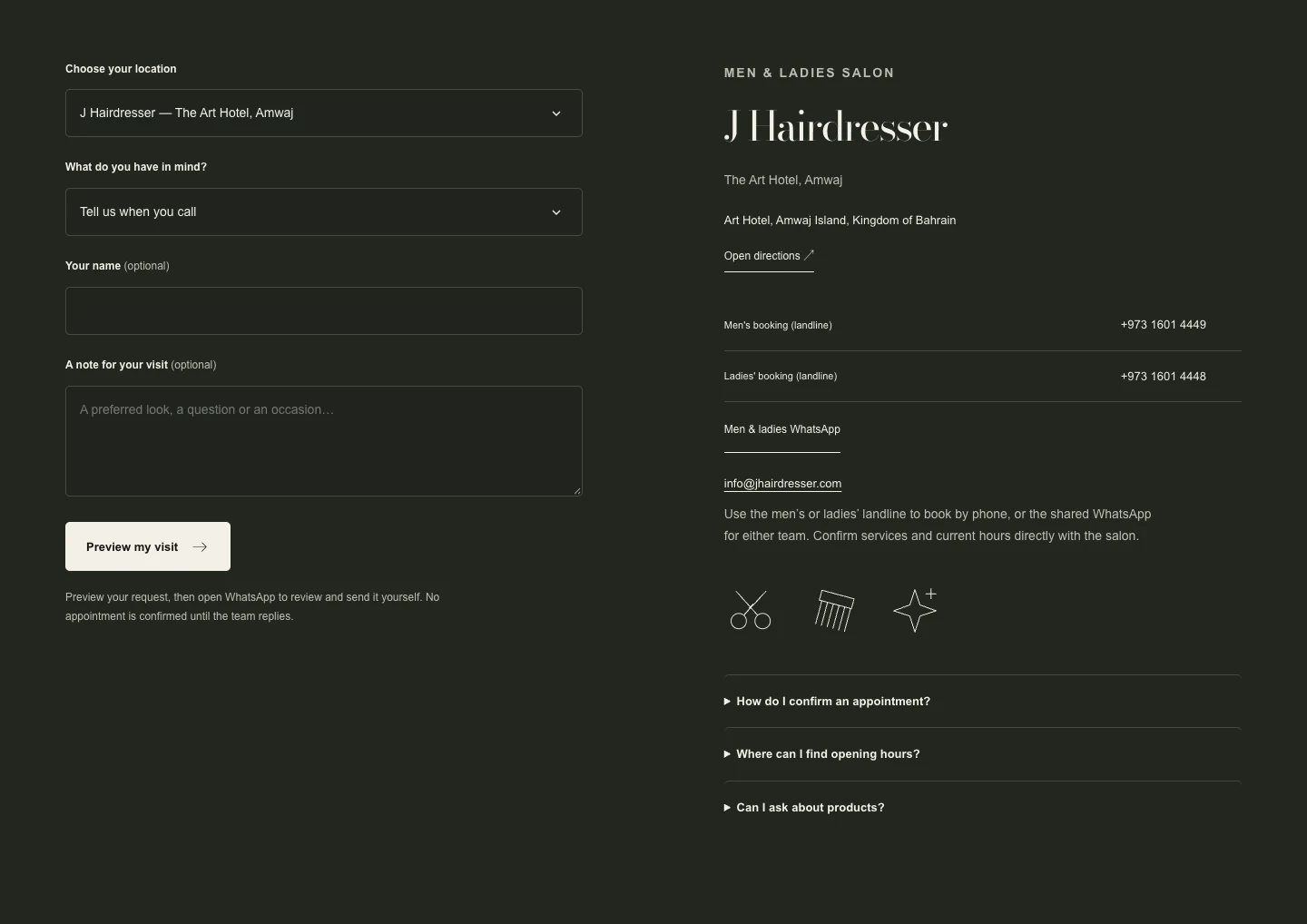
A salon with a staffed location in Seef that welcomes customers can show that location and make its entrance easy to find. A plumber who travels to customers and does not receive them at a home office should hide that home address and list the areas actually served. A service area describes where you work. It does not turn every town you list into a branch or guarantee visibility there. Don’t invent a branch address or create one profile for each service. Google’s rules for representing your business
If Google is asking for verification, use the options shown for your profile. If it shows a suspension, check the reason, fix the inaccurate or ineligible details, and use the official appeal process if appropriate. Prepare any relevant proof beforehand, and submit it through Google rather than posting documents publicly. Don’t create another listing as a workaround. Verification guidance · Suspension and appeals
Then look at what happens after the click
Say someone finds your business while looking for a particular service. They open your website and see a broad introduction, a few photographs and a contact button. They still cannot tell whether you offer what they need.
That is a content problem worth fixing. Explain the service in the words customers use, show relevant examples where you have permission, and make the next step clear. If you serve different parts of Bahrain, describe that accurately. You do not need a near-identical page for every neighbourhood.
For a bilingual audience, check the Arabic pages as carefully as the English ones. A customer should not have to switch languages to find an important detail.
Correct the old information customers still find
A move or phone-number change can leave the old details on a Facebook page, a booking platform or a local directory. Search for your old phone, old address and business name in Arabic and English. Start with the listings your customers actually use, and correct outdated details there and on your contact page. If you moved the same business, update the existing Google profile instead of creating a new one for the move. Keep real branches distinct, with the correct information and website destination for each. The goal is that people can reach you, not that you appear in the most directories. How Google sources business information
Give people something real to judge
Use current photographs and genuine customer feedback. An actual project, a clear service explanation or a useful answer can say more than another paragraph claiming to be “the best”.
Ask customers for honest reviews rather than writing reviews for them. When you reply, keep it helpful and protect their privacy. A public response is not the place to discuss someone’s medical, legal or personal circumstances.
Use a simple 30-day check
Record the date you made each change, then compare two similar 30-day periods for the same branch. Note holidays, changes in hours and paid campaigns so you don’t credit one edit for every change. Keep three lines in your report:
- Profile actions: Where available, record website clicks, call-button taps and direction requests in Google Business Profile Performance. A tap isn’t an answered call; a direction request isn’t a visit. Google’s definitions of these measures
- Website response: Note which landing pages people reach and which contact options they use. Where tracking is set up and appropriate, a tagged link from your profile can help you distinguish those visits from your website’s other traffic.
- Real enquiries: Check answered calls, received messages and confirmed bookings separately, without counting the same contact twice. If people tap to call but enquiries don’t rise, test the number and check who answers during the hours listed. If website visits rise but enquiries stay flat, test the service page on a phone before buying more traffic.
Start small, then check the right things
I’d begin by checking the profile and website together, correcting anything outdated and improving the page for your most important service. That gives you a sensible starting point before adding more campaigns or content.
Afterwards, look at what people do: website visits, contact actions and actual enquiries your team receives. Those are different measures. A click on a telephone button does not tell you whether the call connected or became a customer.
If people are finding you but not getting in touch, more visibility may not be the first thing you need. The next step is to look at how your website and Google Business Profile work together.
Connect local visibility to the next step
See how your website and Google Business Profile can work together. If you are changing the site structure, read the website redesign and search traffic guide.
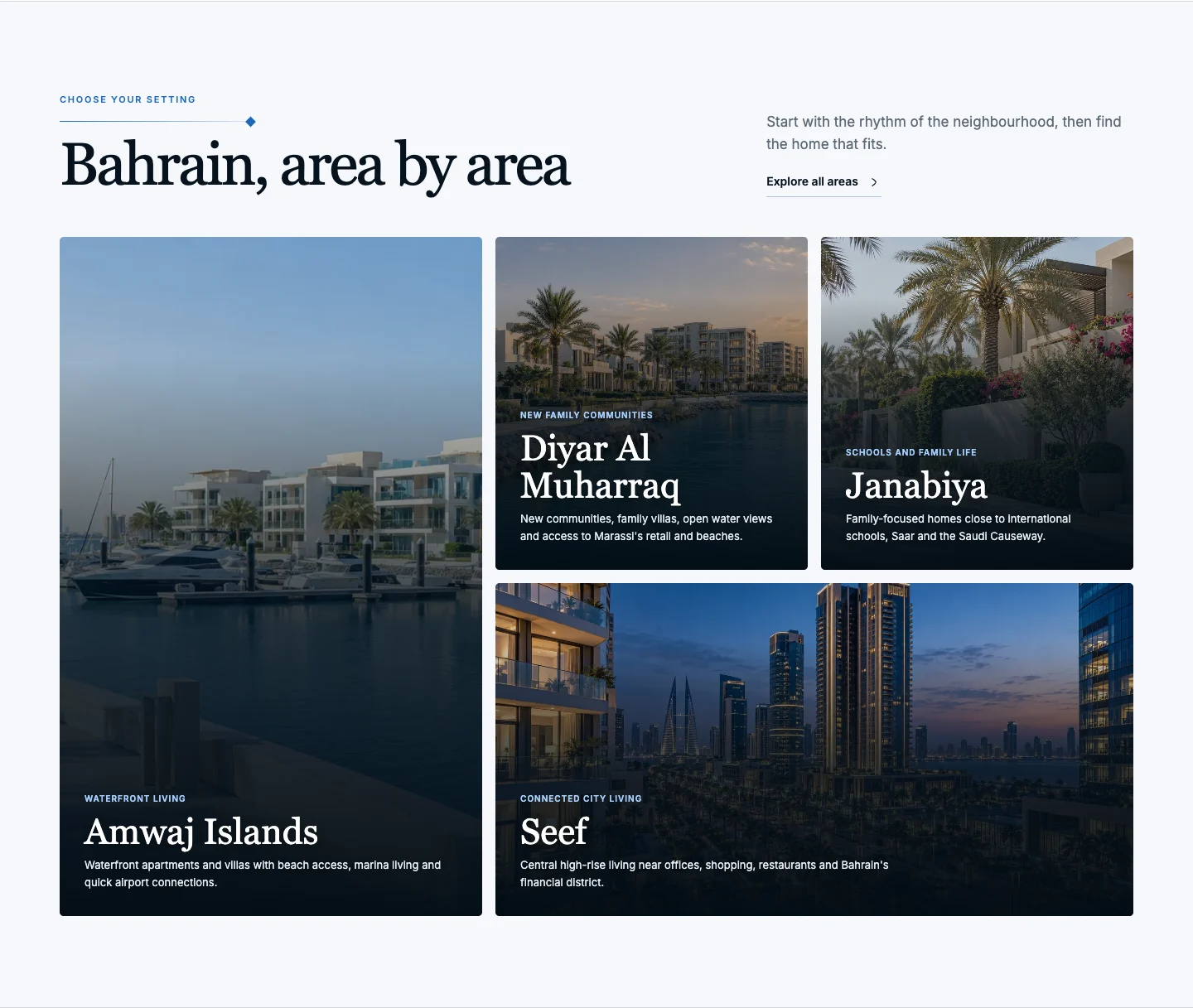
Give the customer a recognisable place name
On Bahrain Prime, area names help a visitor narrow their search before opening a property. The principle applies to local SEO too: use the location names your customers recognise and explain where to find you instead of creating nearly identical area pages.